Your webhook keeps skipping, and tags never reach the site.
You change a tag in your CRM and nothing happens in WordPress. The log just shows another skip.
 Danica LouweUpdated 4 min read
Cloudflare may be blocking it. If your membership site’s subdomain is set to Proxied, its protection can stop the webhook before WP Fusion sees it. Changing that record to DNS only fixed it for us, but it exposes your server’s IP, so consider the narrower firewall rule in WP Fusion’s docs first.
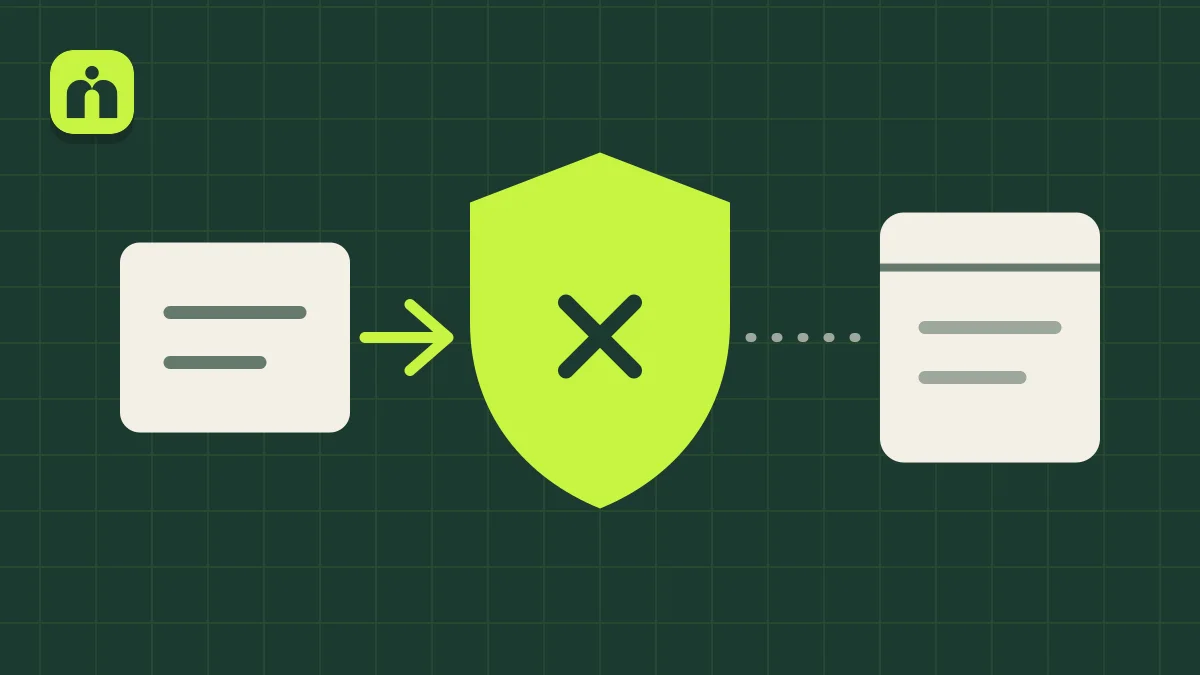
Something stops the webhook before WP Fusion sees it.
A webhook is your CRM calling your site. If a layer in front of the site doesn’t like that call, WordPress never hears about it.
The subdomain is proxied
In our case, the membership subdomain was proxied through Cloudflare. Its protection blocked the webhook, so it kept skipping in the log and contact records didn’t arrive.
The setting is easy to miss
It’s one record among many, and your main site may look fine. A new subdomain can be proxied without anyone choosing that on purpose.
The test can pass anyway
WP Fusion’s Test Webhooks tool sends from its own server, not your CRM, so a pass doesn’t clear the path your real webhooks take.
Changing the URL didn’t help
We added a parameter to the webhook URL as suggested, and it kept failing. The block was happening before the URL mattered.
Follow one webhook from your CRM to the site.
Change a tag on a test contact, then look at each stop along the way.
- Does your CRM’s history show the webhook sent, skipped or failed?
- Does WP Fusion’s activity log show “Received” for that contact? If not, it’s probably being blocked.
- Does the webhook URL match your site’s home address exactly, including https and www?
- In Cloudflare’s DNS settings, does the membership subdomain say Proxied or DNS only?
- Do Cloudflare’s security events show the request being blocked?
- Do you have a security plugin or host-level bot protection as well?
Prove it’s Cloudflare, then open only what you need.
There are two ways through. The firewall rule is what WP Fusion’s docs suggest, and keeps more protection. DNS only is what fixed it for us.
- 1
Confirm the cause
WP Fusion suggests pausing Cloudflare briefly, then sending a test from your CRM. If it arrives, you’ve found the cause. Turn Cloudflare back on.
- 2
Option one: a firewall rule
Keep the proxy on, and add a rule that skips the firewall for requests with wpf_action in the URL. Anyone can add that to a URL, so skip as little as you can. It can’t get past Bot Fight Mode on the Free plan, and we haven’t tested it.
- 3
Option two: DNS only
Change the subdomain’s record from Proxied to DNS only. This is what worked for us. It’s simple, but read the trade-off in the FAQ first.
- 4
Test with a real contact
Change a tag in your CRM. The log should show it received, and the member’s access should update.
- 5
Keep the webhook URL private
It carries your access key. Once it’s past the firewall, that key is doing more of the work, so don’t share it.
The technical version, for your developer
Our test was in 2023. We haven’t tested the firewall rule ourselves, so check it in Cloudflare’s security events.
- The rule. In Cloudflare’s security rules, create a custom rule with the Skip action and an expression like http.request.uri.query contains "wpf_action". Anyone can add that parameter to a request, so choose only the products you need to skip, not the whole firewall.
- Bot Fight Mode. Cloudflare says a skip rule can’t bypass Bot Fight Mode on the Free plan. If it’s the blocker, you’d need to turn it off or use DNS only.
- DNS only. Traffic goes straight to your server. You lose Cloudflare’s DDoS protection, firewall rules, caching and analytics on that record, and the server’s IP is public.
- Other endpoints. WP Fusion also documents sending to /wp-content/plugins/wp-fusion/api.php, which skips loading WordPress. It may need security rule changes.
- Volume. Adding &async=true queues webhooks for sites getting 100 or more at once. WP Fusion calls it experimental, and it won’t get you past a block.
- Check the sender. WP Fusion suggests webhook.site to confirm your CRM is sending at all before you blame the site.
Watch it done
A quick one: the webhook log before and after we changed one DNS setting on the membership subdomain.
Questions owners ask
Is DNS only safe?
It works, but it’s a trade-off. Cloudflare says DNS only exposes your server’s IP address, and that record loses Cloudflare’s DDoS protection, firewall rules and caching. Your server needs to be able to stand on its own.
Do I have to change my whole domain?
No. The setting is per DNS record, so your main website can stay proxied. We only changed the subdomain for the membership site.
WP Fusion’s Test Webhooks button passes. Doesn’t that rule this out?
No. WP Fusion says that test comes from wpfusion.com, so your CRM’s real webhooks can still be blocked. Test with a real contact from your CRM.
I don’t use Cloudflare. What else blocks webhooks?
WP Fusion’s docs list security plugins like Wordfence and CleanTalk, and host protections such as SiteGround’s bot protection. Turn them off briefly to test, or ask your host to check its logs.
Can I just allow my CRM’s IP address?
WP Fusion suggests that as one option, but says its list of known addresses may be out of date. A rule based on the webhook URL won’t depend on that list.