The student is enrolled, but a shared lesson says no access.
The course opens and the enrolment looks right. Then one lesson acts as if they never bought it.
 Danica LouweUpdated 4 min read
If you use Memberium, check Force LearnDash Security Inheritance. With it on, a shared lesson takes protection from every course it’s in, so a student can need access to all of them. Turning it off fixes that, but lessons and topics then have no Memberium protection until you set each one, so test logged out before you go live.
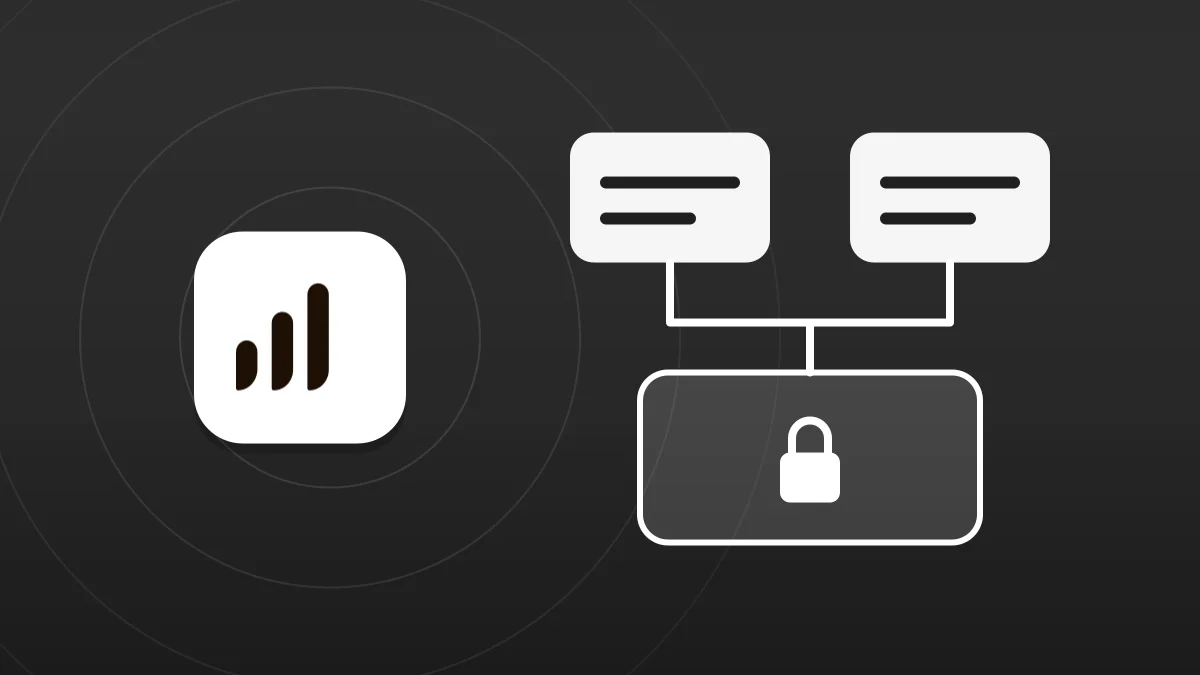
The lesson answers to more than one course.
Shared Course Steps lets one lesson sit in several courses, which saves a lot of rebuilding. Memberium’s default protection wasn’t built around that.
Protection passes down from the course
With Force LearnDash Security Inheritance on, which is Memberium’s default, a lesson takes its protection from its course. That’s convenient until a lesson has more than one.
A shared lesson can ask for everything
Memberium’s example is a lesson in two courses, each with its own membership. A student could need both, even after buying only one course.
Enrolment still looks right
The student shows as enrolled and the course opens, so nothing looks wrong until they reach a shared lesson.
The address can matter too
With shared steps on, lesson URLs include the course. LearnDash says only admins can open the short version without it, so an old link can also look like an access problem.
Find out exactly where it stops.
Use a test student who owns just one of the courses. Your admin account won’t show the problem.
- Does the student reach unshared lessons in that course?
- Is the locked lesson used in more than one course?
- Did they get there from inside the course, or from a saved link?
- Is Memberium on the site, and is Force LearnDash Security Inheritance set to yes?
- What protects your lessons if that setting is turned off?
- What does a logged-out visitor see on the same lesson?
Turn off inheritance, then protect lessons yourself.
The switch itself takes seconds. The work is making sure nothing is left open afterwards, so do this on a staging site first.
- 1
List your lessons and topics
Note which are shared and which membership each one should need. Turning off inheritance affects them all, not just the shared ones.
- 2
Turn the setting off
In Memberium’s content protection settings, set Force LearnDash Security Inheritance to no.
- 3
Protect each lesson and topic
Set the access you want on each one. On a shared lesson, include each membership that should open it.
- 4
Test three people
Try a student with course A only, a student with course B only, and someone logged out. Each should see exactly what you’d expect.
- 5
Repeat it on your live site
Use your list. Where you can, set each lesson’s protection before you turn the setting off, so nothing sits open in between. Then run the same three tests.
The technical version, for your developer
Our test was in 2023. LearnDash’s docs are current. Memberium’s page has no date, so confirm the setting on your version.
- Shared steps. Turn them on at LearnDash LMS > Courses > Settings > Global Course Management and Display Settings. They need the Course Builder, and associations should only be changed there.
- URLs. Shared steps switch URLs to a nested structure that includes the course. If a step redirects to the wrong course, check Nested URLs under Settings > Permalinks.
- Inheritance. Memberium says the setting works like its Page Security Inheritance, but for LearnDash. Its example needs both memberships for a lesson in two courses.
- With it off. That only removes Memberium’s inherited protection. LearnDash’s own course access still applies, depending on the course’s access mode, so check that it’s not Open.
- Editing. A change to a shared step shows in every course that uses it. Progress stays per course.
Watch it done
What we found when a shared lesson locked out enrolled students, and the setting behind it. It doesn’t cover what turning that setting off does to your other lessons, so read the warning on this page first.
Questions owners ask
Does this happen with LearnDash alone?
We only ran into it with Memberium on the site. Without Memberium, this setting doesn’t exist, so look at the course URL and the student’s enrolment instead.
Will turning the setting off expose my lessons?
It can. Memberium’s page says lessons and topics then have no Memberium protection unless you set it on each one. Test logged out before you rely on it.
Does finishing a shared lesson count in both courses?
No. LearnDash tracks progress per course, so a student who completes a shared step in one course still has to complete it in the other.
Is there a way to avoid this altogether?
Yes. Give each course its own copy of the lesson instead of sharing it. The trade-off is that you then have to update each copy separately.
Why did it pass our first test?
Ours did too. The student showed as enrolled and the course opened. The problem only appeared at the shared lessons, so test those directly.