Memberships and paymentsAll docs
Billing and receipts for members
Members who pay for a membership with FluentCart see it in the community: what they pay, when it renews, every receipt, and buttons to pause or cancel.
The Billing page
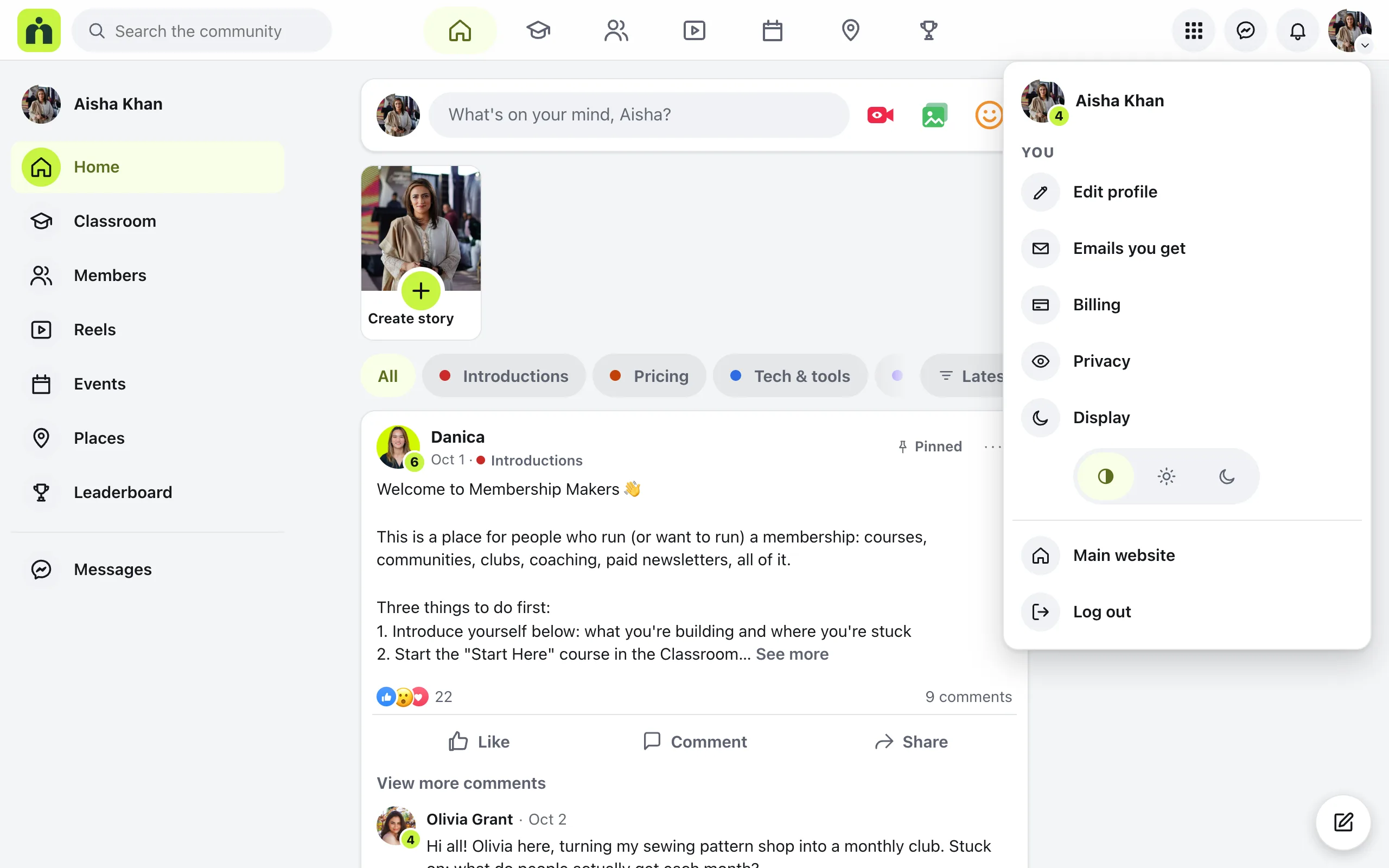
Members open the menu under their photo and press Billing. Each paid membership has a card with its name, price and a status:
Active
The price, Renews on and the date, and the card it’s paid with.
Payment failed
The last payment didn’t go through. The member keeps access while they press Update your card.
Paused or Cancelled
Paused says it can be resumed. Cancelled says the date they keep access until, and that it won’t renew.
Ended
The membership is over, with Restart membership to buy it again.
Someone with nothing to pay for sees Nothing to pay for and a link to the Classroom.
Manage billing
Manage billing opens one membership: the price, the next payment, when they joined, the card, and a list of every payment with its status.
The buttons there are the ones FluentCart allows for that subscription:
Pause membership and Resume membership
While a membership is paused, its courses are closed.
Cancel membership
It asks first and says the date they keep access until. Keep my membership backs out.
Update card
Opens FluentCart’s secure page to type a new card.
Pausing, resuming and cancelling go through FluentCart, which tells the payment provider. The community then opens or closes the courses to match.
Receipts
Receipts on the Billing page jumps to the list of payments. Press Receipt beside any payment. The receipt opens in a box over the page, with who it’s billed to, the subtotal, any discount and tax, and Total paid.
Save as PDF downloads a real PDF of the receipt with your community’s logo, ready for their accounts.
Questions
Why don’t I see Billing in the menu?
Billing only shows while FluentCart is active and at least one membership is sold with a FluentCart product. Memberships sold another way, or given by hand or by a role, don’t use it.
Does a one-time purchase show in Billing?
No. Billing lists memberships paid by subscription, per month or per year. A one-time purchase has nothing to renew, pause or cancel, so it isn’t listed there.
Where do members type a new card?
On FluentCart’s own secure page. Update card opens it. Everything else, like pausing, cancelling and receipts, happens inside the community.
What happens to access after cancelling?
The member keeps everything until the end of what they paid for, and Billing shows that date. After that it won’t renew and the courses lock again. Restart membership brings them back.
Stuck, or something not right? See Troubleshooting, or email us and we’ll help.