Feed, reels and storiesAll docs
Share reels and stories
Stories are photos, videos or words that disappear after 24 hours. Reels are short upright videos with their own tab.
Share a story
- 1
Press Create story
It’s the first card in the row of stories at the top of Home.
- 2
Choose what to share
Photo or video, from your phone or computer. Or Write something, for words on a coloured background. The first colour is your community’s colour.
- 3
Add a caption, if you like
On a photo or video, a caption is optional.
- 4
Press Share to story
Your story shows at the start of the row, and disappears after 24 hours.

Members tap a story to watch it. They can react to it, or write a reply that only you see. To take your story down sooner, open it, press the options button and choose Delete story.
Share a reel
- 1
Open Create a reel
On a computer, press the red video button in the post box on Home. Or open Reels and press New reel.
- 2
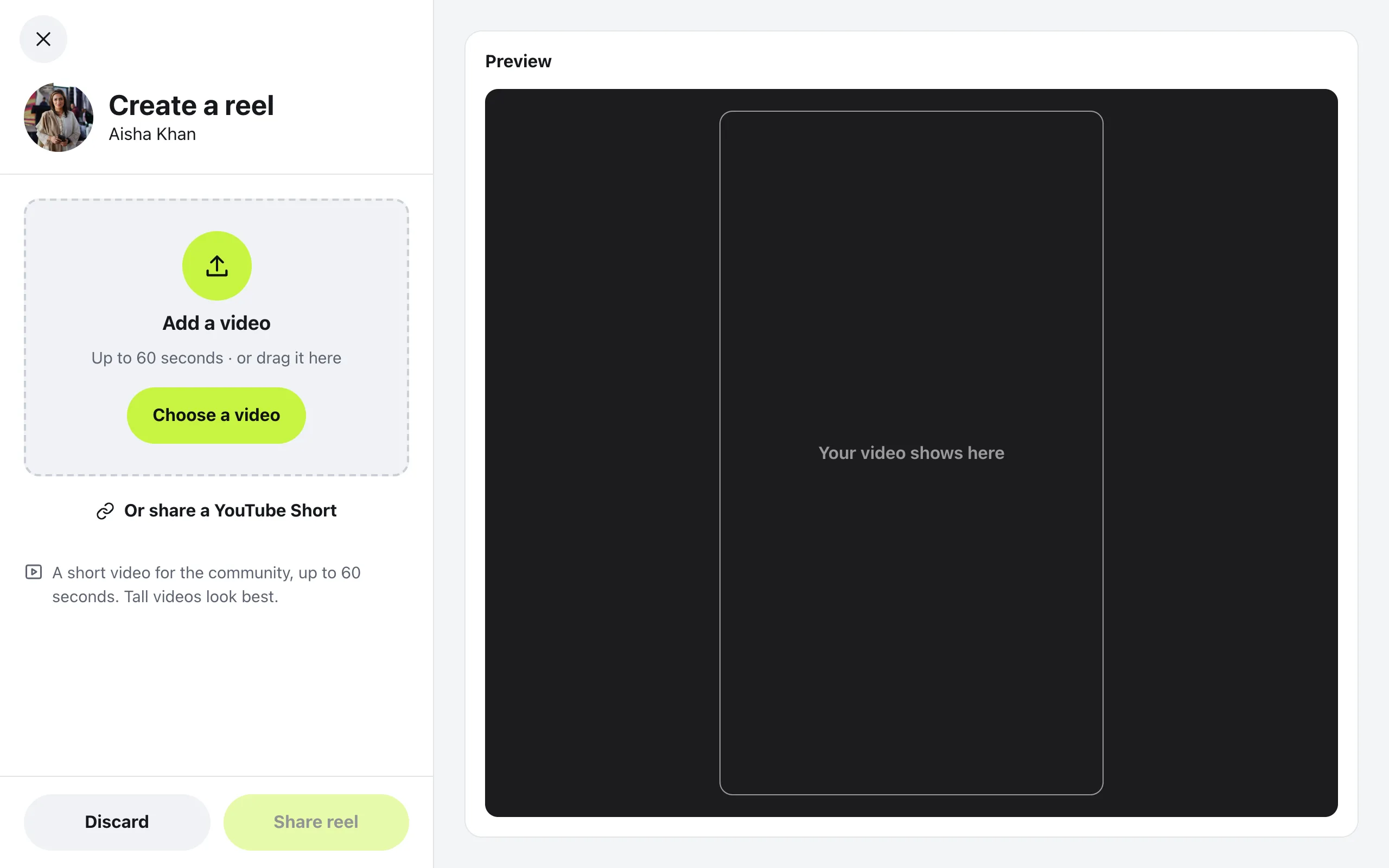
Add a video
Press Choose a video, or drag one in. It can be up to 60 seconds. To share a YouTube Short instead, press Or share a YouTube Short and paste its link.
- 3
Write a caption
You can write it while the video uploads. The preview on the right shows how it will look.
- 4
Press Share reel
An uploaded video shows Getting your video ready for a short while, then appears in Reels.
Reels have their own Reels tab, and a row of them shows on Home with See all. Members can like, comment on and share each one. Press More on a reel to report it, or to delete your own.
Questions
How long can a reel be?
Up to 60 seconds. Tall videos look best, since reels fill the screen from top to bottom.
Who sees my story, and who saw it?
Every member can see it for 24 hours. Open your own story and press Seen by to see who looked. Only you can see that list.
Where do story replies go?
To your messages. A reply is private between the two of you, and it stays in your messages after the story is gone.
Can I switch reels or stories off?
Yes. In Community settings, open Features and switch off Reels or Stories. Turning one off deletes nothing.
Stuck, or something not right? See Troubleshooting, or email us and we’ll help.