Feed, reels and storiesAll docs
Write a post
Share words, photos or a video on Home, with a feeling, a coloured background or a topic if you like.
Open the post box
- 1
Go to Home
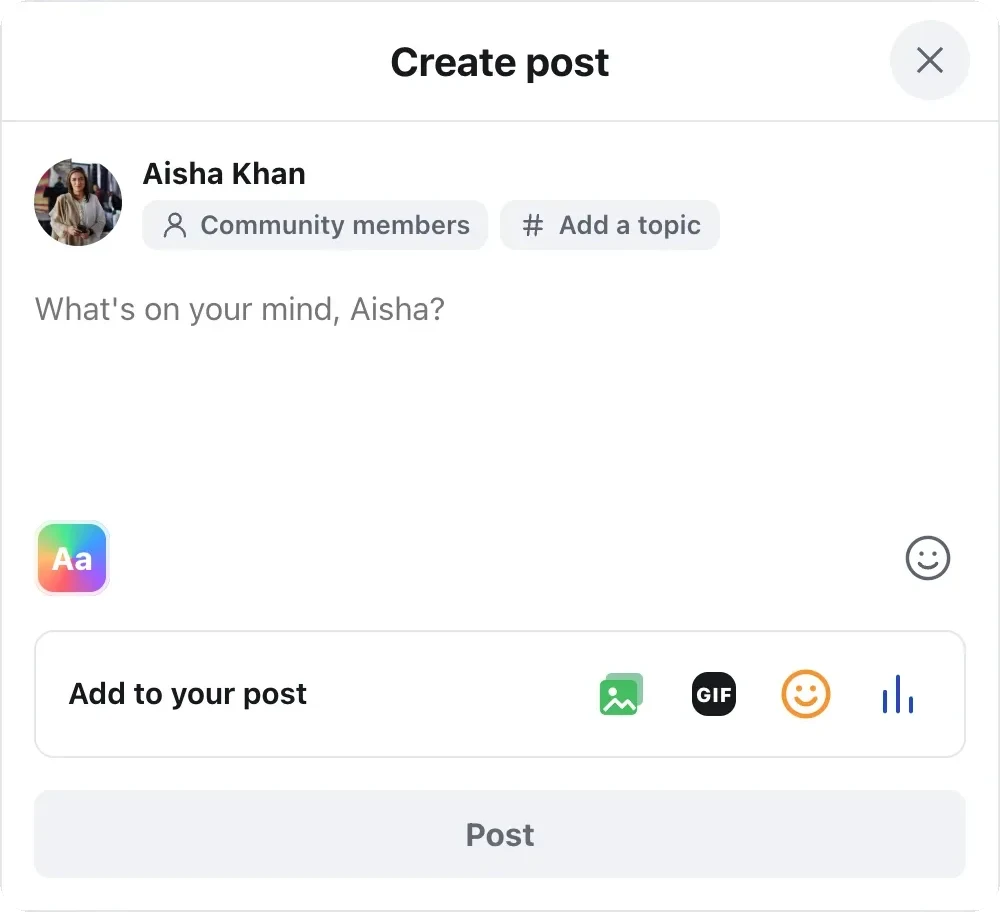
At the top of Home is a box that says What’s on your mind, with your first name.
- 2
Press the box
Create post opens. Your name is at the top, with Community members under it, so you know everyone in the community can see it.
- 3
Type your words
Write what you want to say. The smiley face beside the box adds emoji. Paste a YouTube or Vimeo link and it turns into a video card.
Add to your post
Under the words, the Add to your post row has a button for each extra.
Photo/video
Add up to 10 photos, or one video. A video is posted on its own, without photos. You can also drag photos straight into the box.
GIF
Pick a GIF from GIPHY. This button only shows once the owner has turned GIFs on.
Feeling/activity
Choose how you feel, like happy, grateful or celebrating. It shows beside your name on the post.
Poll
Ask a question with choices members vote on. A poll can’t have photos.
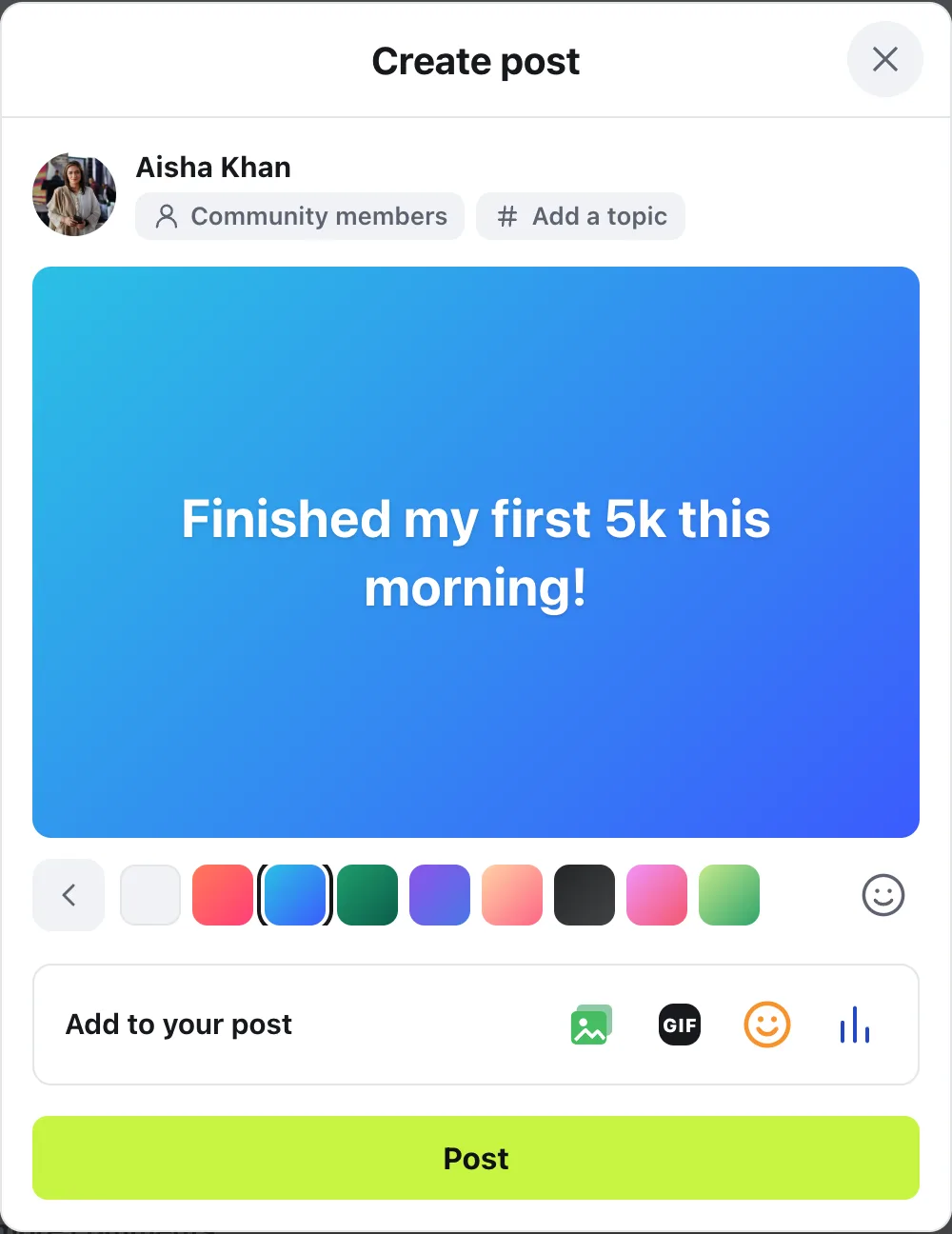
For a short post with words only, press Aa and pick a coloured background. The words show big, in the middle.
If the owner has made topics, Add a topic sits beside Community members. Choosing one is up to you.
Post it
Press Post. Your post goes to the top of Home, with Posted showing on it for a few seconds.
Changed your mind before posting? Close the window and choose Discard, or Keep writing to go back.
Once it’s up, members can react, comment and share it. To change or remove it later, press ⋯ on the post and choose Edit post or Delete post.
Questions
Can members attach a PDF or other file to a post?
No. Posts on Home take photos and videos. To share worksheets or PDFs, add them to a lesson in the Classroom, where each lesson can have files to download.
Why can’t I pick a coloured background?
Backgrounds are for short posts with words only. They go away once a post has a photo, a video, a video link or a poll, or once the words get long.
Can I stop members from posting on Home?
Yes. In Community settings, open Who can do what and choose Only admins and moderators under Who can write posts on Home?. Members can still comment and react.
How do I change a post after it’s up?
Press ⋯ on the post and choose Edit post. Change the words, the topic or the feeling, then press Save. Photos and videos already in the post stay as they are.
Stuck, or something not right? See Troubleshooting, or email us and we’ll help.